Contact Us
Pressure Switch Sourcing
Send a procurement brief. We do not publish a showroom address or a public phone number because this desk is an independent sourcing partner, not a walk-in counter. A compact inquiry dialog on product rows uses the same action and field names; this page adds channel notes, a correspondence sketch and a two-column form layout so the contact route is not just a centered modal.
How follow-up works
-
Channel
Use the inquiry form on this page. A street address, public email inbox and phone number are not listed, so we do not invent them.
-
Working hours
When a live receiving endpoint is configured, weekday follow-up is the intended window. No reply-time promise is published here.
-
Social and maps
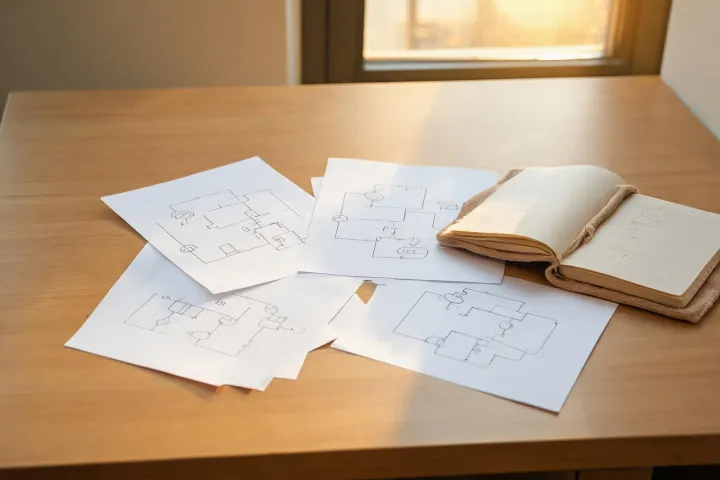
No social profiles are claimed. The illustration is a correspondence desk sketch, not a mapped storefront.
What to include
Write the product form, the sensing duty, quantity with unit, destination state or postal code, and the delivery window you hope factories will answer against. Optional budget (amount or range, currency, per-unit or whole-order) and supplier preference (high-end, mid-range, budget-friendly or not sure) can sit in the helper fields when JavaScript is on, or inside the requirements box if it is off.
- Product and required rating, with cut-in / cut-out or vacuum range and AC or DC beside the contacts
- Quantity, unit and destination
- Requested timing and document needs
- Optional budget and supplier preference
Request factory quotes
The same fields used in the compact inquiry dialog appear here inside a full contact layout. Optional budget and preference controls merge into the existing requirements field at submit time. They are buyer preferences, not verified supplier ratings.